AU Maker App: Start From What Your Social Media AU Needs
Before you pick an AU maker app, list the screens your social media AU needs: chats, posts, stories, calls, and the right shape for X and TikTok.
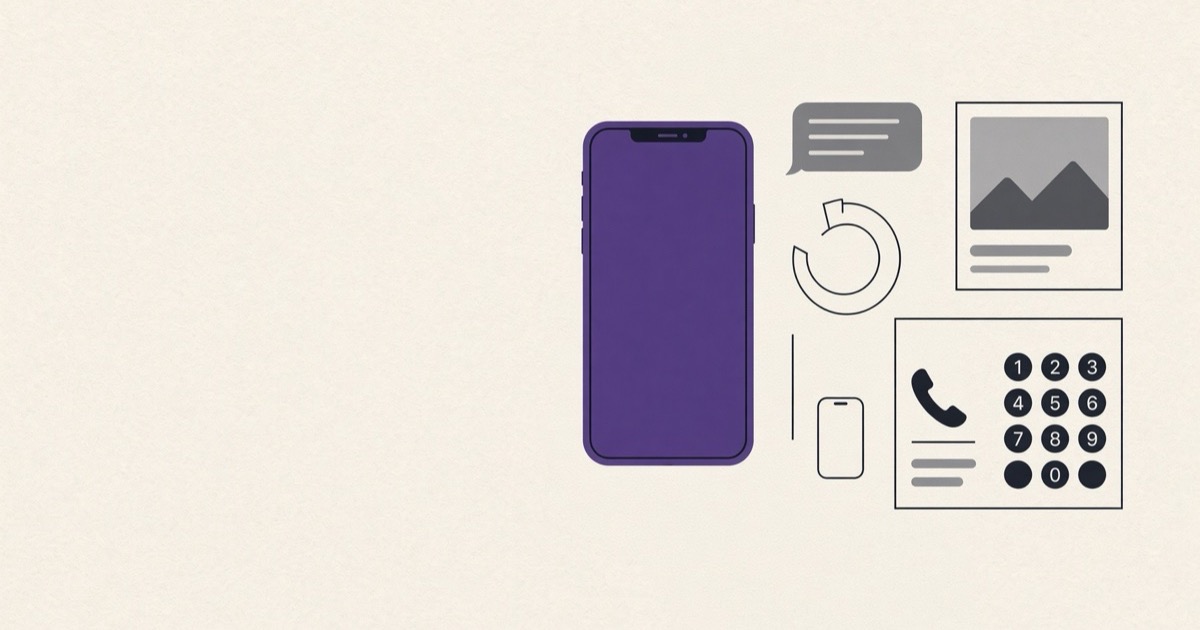
An AU maker app is a phone app that makes the screens of a social media AU: chats, posts, stories and the other screens a character would see. You write the story, and the app makes it look like a phone.
Vivian Lam, writing for Electric Literature in 2021, described social media AUs as “composed entirely of text messages, social media posts” and more, shared as image threads on Twitter. Her list also named mock news articles, audio bytes and video clips.
A chat is only one of those screens, and that is the brief for any AU maker app. Apps that make these screens exist for iPhone and for Android, but the first question is not which app. It is what your AU needs, scene by scene, and whether the app can make every one of those screens.
List the scenes before the screens
Write down the scenes of part 1, then the screen each one needs. A late-night confession is a chat. A soft launch is an Instagram post. A jealous moment might be a story, a missed call, or a notification that lights up a locked phone in front of the wrong person.
The list tells you which screens are a must and which are nice to have. If your plot turns on a missed call in part 3, an app with chat screens only will leave a hole in the story.
Chat screens for every app the cast uses
Your characters may not live in one app. The leads might text on iMessage, keep a WhatsApp group with their friends, and slide into each other's Instagram DMs.
Lam's 2021 piece notes how “group chat and DM permutations build tension by constantly alternating perspective”, so plan for both kinds. The app has to make each chat app your cast uses, in groups as well as one on one. If it can only make one, your story bends to fit the tool instead of the other way around.
What an AU maker app needs beyond chats
The chats are private, but the public side of the story needs its own screens. Interaksyon reported in 2019 that the Kathniel thread “By Mistake” was told through edited photos in “text messages, Instagram posts and tweets”, three kinds of screen in one thread.
Look for the screens your scene list asked for. That could be X posts for a public argument, an Instagram post and story for the soft launch, a status, a call screen or a lock screen notification. Each one shows readers something a chat cannot.
Every account on those screens should be made up. The screens tell a story, and they are never for faking what a real person posted.
The shape of a part on X and TikTok
Where you post decides the shape of each part. On X, a part is a thread, with a line of narration and the screens post after post. Lam described social media AUs organized in nested threads “reminiscent of a DVD menu”, where one main thread links to every chapter.
On TikTok, a part is a set of slides or a video. So the app should save in the shape your platform reads. That means single pictures for a thread, pages for slides, and a chat that plays out on screen for video.
iPhone or Android
The app has to run on the phone you write on. An app built for iPhone will not help you on Android, and the other way around, so check your own phone's store before you plan a long series around one.
Ask where your drafts live, too. A story kept only on the phone needs no account but stays with that phone, while a story saved to an account can follow you to a new one. For a long AU, know which before part 1.
If you use Vaumu
Vaumu is made for AU writers, and the Android app is on Google Play. On iPhone, the free chat makers on vaumu.com work in the browser.
Each character is made once and used in every chat of an AU, so the leads can text on iMessage while their friends keep a WhatsApp group. The free version has WhatsApp, iMessage, Instagram DM, Messenger and LINE chat screens plus X posts. It holds one AU with as many chats as you like, plus three loose chats. Pictures saved from it carry a faint vaumu watermark in the middle of the screen.
- Tap +, choose “Cast”, fill in “Name” and “Change photo”, then tap “Create”. Do this once for each character.
- Tap + again, choose “New AU”, fill in “AU title”, pick the “Cast of this AU” and “Me (phone owner)”, then tap “Create”.
- In your AU, tap +, choose the “App” and “Who's in this chat?”, then tap “Create”. Pick more than one other person for a group chat, and repeat for every app your cast uses.
- Type in “Type as”, tap “Send”, then tap the share icon and “Save or share”.
Vaumu Pro adds the public screens: IG post, IG story, WA status, WhatsApp call and lock screen notification. It also opens unlimited AUs and chats, pictures without the watermark and “Save page by page” for TikTok slides. Live chat video for TikTok, custom and random message times and your own chat wallpaper on WhatsApp are Pro too. Every story stays on your phone with no account, and “Back up” saves them all to one file you can take to a new phone.
Which screen does part 1 of your AU need that a chat cannot give it?