Fake Instagram Story for AU: How Stories and Posts Move Your Plot
How to use a fake Instagram story for AU plots: what a story screen shows, what it adds to the story, and how to keep every account consistent.
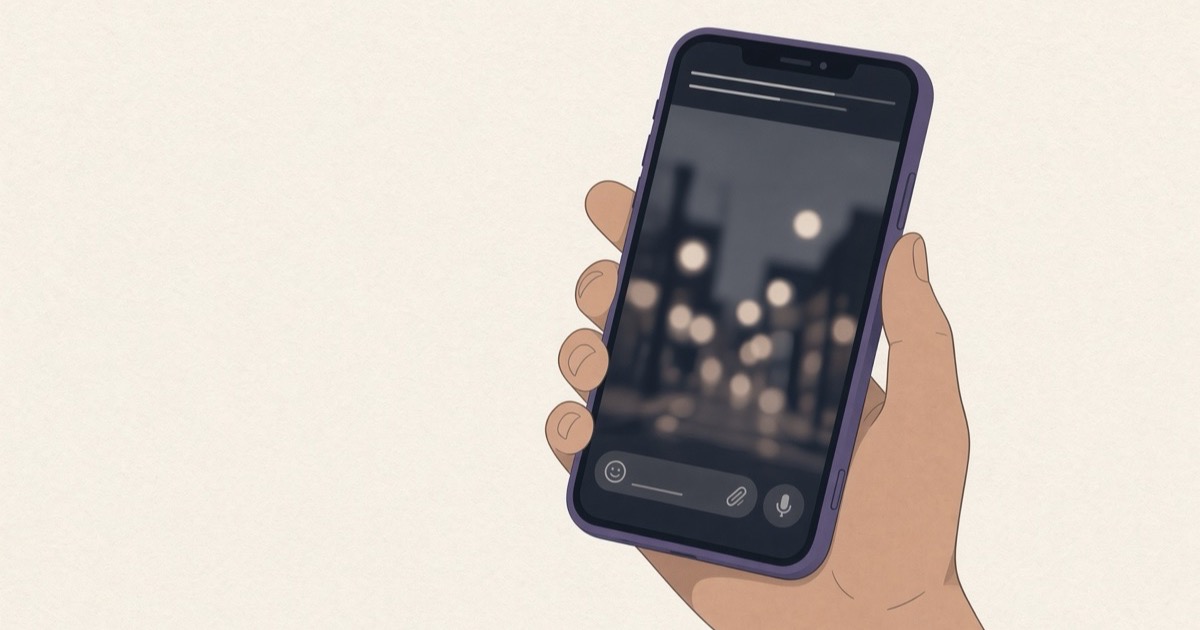
A fake Instagram story for AU is a made-up story screen posted from a character's account inside a social media AU. It shows what the character shared that day, and hints at who might be watching.
sino kasama mo sa story mo kagabi?
wala. friend lang.
Two bubbles, and the fight has already started. The reason is not in the chat at all, but in a story one character posted the night before and the other one saw.
A fake Instagram story for AU plots does that job: it shows what a character shared in public, and the chat shows what it cost them in private. Here is what a story screen shows, what it adds to the plot, and how to keep it consistent from part to part.
What a fake Instagram story for AU shows
When Instagram introduced Stories on August 2, 2016, it said the photos and videos “will disappear after 24 hours” and would not appear on the profile grid or in the feed. The same announcement put stories in a bar at the top of the feed, with a colorful ring around a profile photo when there is something new.
So a story screen in your AU carries a few things readers will look at closely. There is the account's name and photo, how long ago the story went up, the picture or video, and any words written on it. Each one is a clue.
What a story adds to the plot
A story is public, but the replies are private. Instagram's 2016 announcement said viewers reply by sending “a private message to that person on Instagram Direct”, so a story reply is a natural way to open a DM chat.
The owner can also check who has seen each photo and video, the same announcement said. That gives you a beat no chat can, like the ex who viewed the story within a minute and never replied.
The clock helps too. A story that disappears after a day lets a character post something and hope it is gone before the wrong person sees it. It can also push a friend to take a screenshot as proof.
Then there is Close Friends. Instagram announced it on November 30, 2018: people on your list see a green badge on the stories you share with them, and “only you can see your close friends list”. Who is on that list, and who just found out they are not, can carry a whole part.
Stories or posts?
A post stays and a story leaves. Posts sit on the profile grid with a caption and comments, so use them for what a character wants on the record. Think of a soft launch, a graduation photo, or a grid suddenly missing every picture of the ex.
The comments are a cast of their own, from friends who tease to a rival who replies with one emoji. Interaksyon reported in 2019 that Gwy Saludes edited photos into fictional “text messages, Instagram posts and tweets” for her thread “By Mistake”. Mixing screens like that lets readers see a character's public face and private messages side by side.
Keep every account consistent
Jami Gold, writing about unusual formats in fiction in 2020, gave a simple rule for the first time a format appears: “make sure the first instance is clear and then stick with that same formatting”. For Instagram screens, that means the same username, profile photo and bio in every part, on the story, the post and the DM.
If a character changes their profile photo, make it a moment readers can see, not an accident. Check the clock as well. A story posted two hours ago on a screen that shows 11 PM cannot be the one a friend reacted to in a chat stamped 8 PM.
Invent the handles
Give every character a made-up username, even when the visual is a real celebrity. Fake screens are for telling a story, never for making it look as if a real person posted something, and a real handle on a made-up story does exactly that.
Search the handle on Instagram before you use it. That way a stranger's real account does not end up in your plot.
If you use Vaumu
Vaumu is an app for writing AU chat stories, on Google Play for Android. On iPhone, the free chat makers on vaumu.com work in the browser. The free version has the Instagram DM chat screen, so the private side of a story reply is free, along with WhatsApp, iMessage, Messenger and LINE chats and X posts. It holds one AU with as many chats as you like, plus three loose chats. Saved pictures carry a faint vaumu watermark in the middle of the screen.
- Tap +, choose “Cast”, and fill in “Name”, “Username (X and Instagram)” and “Change photo” with the handle and photo the character uses on their story. Tap “Create”, once for each character. That username and photo then appear on every screen of your AU.
- Tap + again, choose “New AU”, fill in “AU title”, pick the “Cast of this AU” and “Me (phone owner)”, then tap “Create”.
- In your AU, tap +, choose Instagram DM as the “App”, pick “Who's in this chat?”, then tap “Create”.
- Type in “Type as”, tap “Send”, then tap the share icon and “Save or share”.
The IG story and IG post screens are part of Vaumu Pro. Pro also opens unlimited AUs and chats, pictures without the watermark, “Save page by page” for TikTok slides, live chat video, custom and random message times and your own chat wallpaper on WhatsApp. It opens the WA status, WhatsApp call and lock screen notification screens too. Your stories stay on your phone with no account, and “Back up” saves them all to one file.
Who in your AU posts the story, and who is the one person they hope will see it?