
AU Chat Story Tips: How to Keep Readers Following a Group Chat
Group chats are where AU chat story readers get lost. Five checks that keep every voice clear, from names and photos to time stamps.
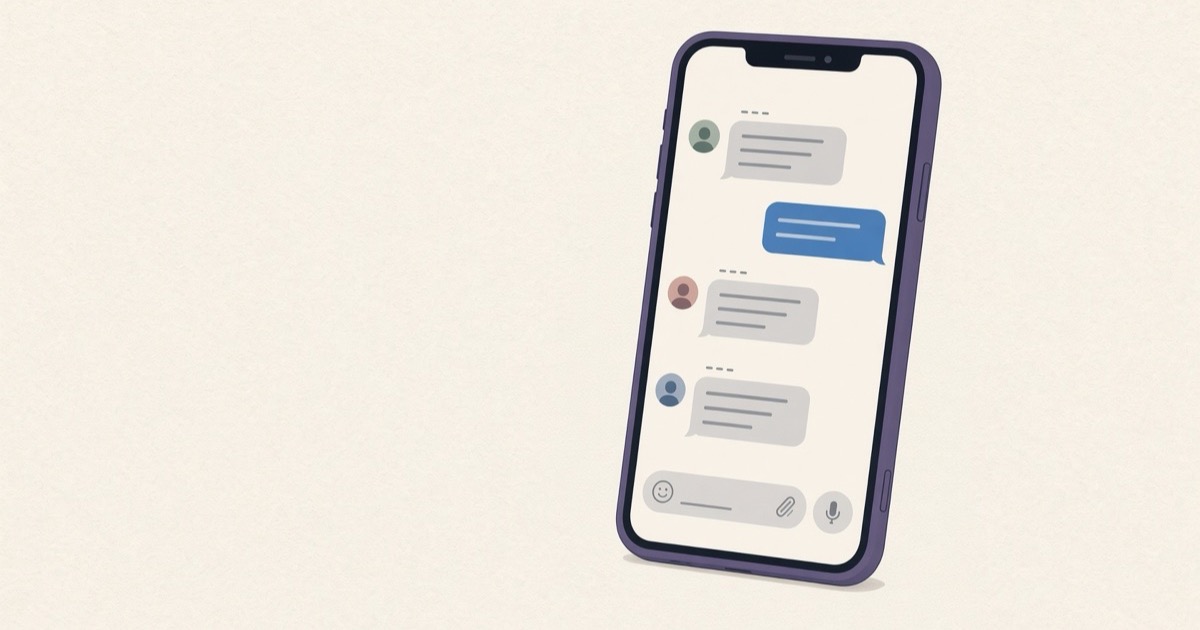
An AU chat story is an alternate universe story told through chat screenshots, posted as a thread on X or as slides on TikTok.
In February 2019, a Twitter thread called “Along España: A Kathniel Social Serye” reached Kathryn Bernardo herself. Interaksyon reported that she thanked the writer, Gwy Saludes, in a video: “Binasa ko siya habang traffic and naaliw ako so thank you!”
The story was told through made-up chats and photos, the form people now search for as an AU chat story. Two-person chats are easy to follow. Group chats are where readers get lost. Carol Saller, writing for the Chicago Manual of Style's blog in 2020, put it plainly: in group texts, readers can lose track of who is texting. Five checks keep every voice clear.
Give every character a name and a face before the first message
In a group chat, readers find a speaker by the photo or the name beside the bubble. Set both for every character before you write a line. If two characters look alike in their photos, readers will mix them up by the third message.
Names help most when they are short and different. The leads in “Along España” were Red and Avery, two names that never look alike on a small screen.
Decide whose phone we are reading
Saller notes that chat apps put outgoing messages on the right and incoming ones on the left. That one rule tells readers whose phone they are holding. Pick one character as the owner of the phone for each part, and keep their messages on the right.
If the story needs a second point of view, give it its own part, with the other character's messages on the right. Switching sides in the middle of a screenshot is the fastest way to lose a reader.
Keep the app's look the same in every part
Jami Gold calls consistency the most important tip for any unusual formatting in fiction. In a chat story that means the same app, the same colors and the same time format from part 1 to the last update. Readers learn the look once and then stop noticing it, which is what you want.
Let time stamps show the gaps
The time beside each bubble is part of the story. A reply at 3:13 AM to a message sent at 3:12 AM reads very differently from a reply that comes the next afternoon. In a group chat, gaps also show who is quiet, and readers notice the friend who has not answered for an hour.
Cut long chats into phone-size pages
On TikTok, slides are read one screen at a time, so a long chat has to be cut to the size of a phone screen. Cropping by hand takes time and can split a bubble in half. On X, a very tall picture makes readers zoom, while pages cut to size read straight through as they scroll.
An AU chat story is fiction, so keep it obvious
Fake chats tell stories, the same way narration does in a novel. Using one to make it look as if a real person sent a message can hurt that person, and it is no longer writing. If your characters use photos of real celebrities, put AU in the thread's title so readers know it is made up, the way Saludes called her thread a social serye.
If you use Vaumu
Vaumu is made for AU writers on iPhone and iPad. The free version has WhatsApp, iMessage, Instagram DM, Messenger and LINE chat screens plus X posts, for three stories of your own. Pictures saved from the free version carry a faint vaumu watermark in the middle of the screen.
- Tap +, type a title such as “AU Jae part 1”, choose the app, then tap “Create”.
- Open “Settings”. Tap a character or “Add person”, fill in “Name” and “Change photo”, and turn on “This is me (messages on the right)” for the phone's owner.
- Add a third person and the chat becomes a group. WhatsApp and iMessage then show each sender's name, and on WhatsApp you can set a “Group name” and “Group photo”.
- Type in “Type as”, tap “Send”, then tap “Save image”.
Vaumu Pro adds images without watermark, “Save page by page for TikTok slides”, live chat video, custom and random message times, and your own chat wallpaper on WhatsApp. It also opens the IG story, WA status, WA call and lock screen notification screens. Every story stays on your phone, with no account.
Who owns the phone in your next AU, and who is the friend who never replies?